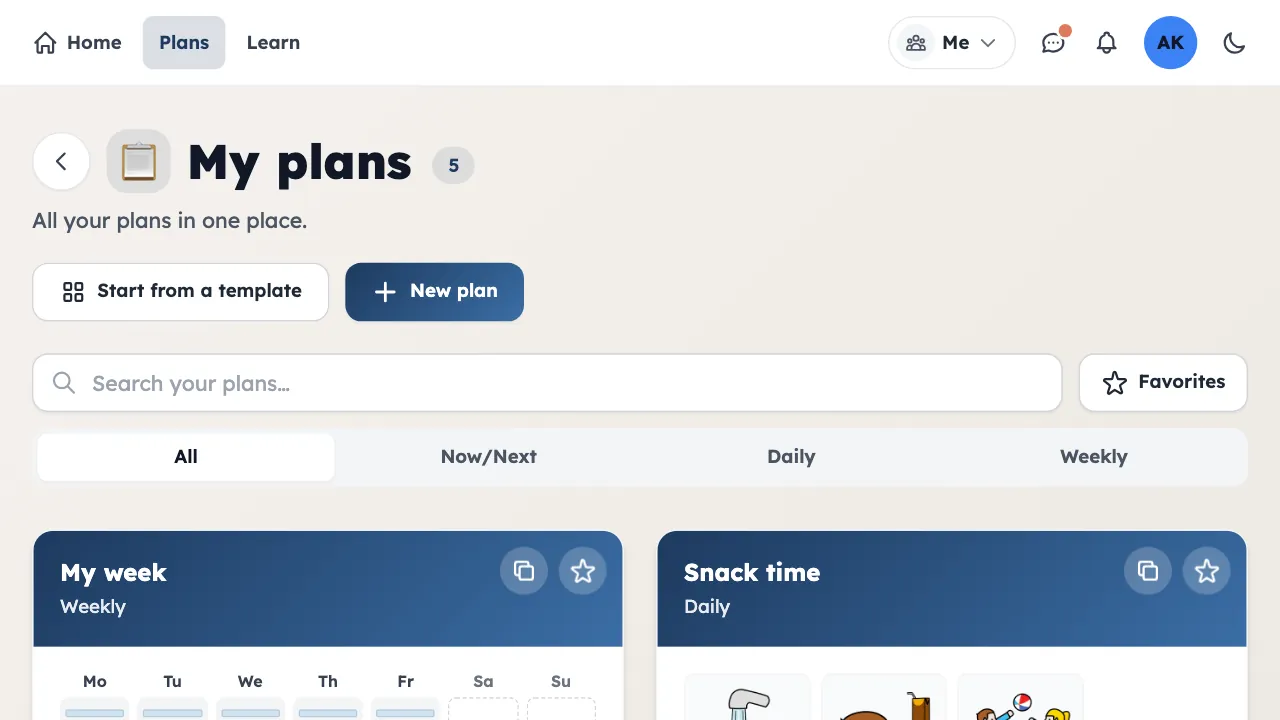
Create a plan
Pick daily, weekly, or Now/Next. Start from scratch or duplicate a plan you already have.
A quick tour of every feature, with examples.
Pick daily, weekly, or Now/Next. Start from scratch or duplicate a plan you already have.
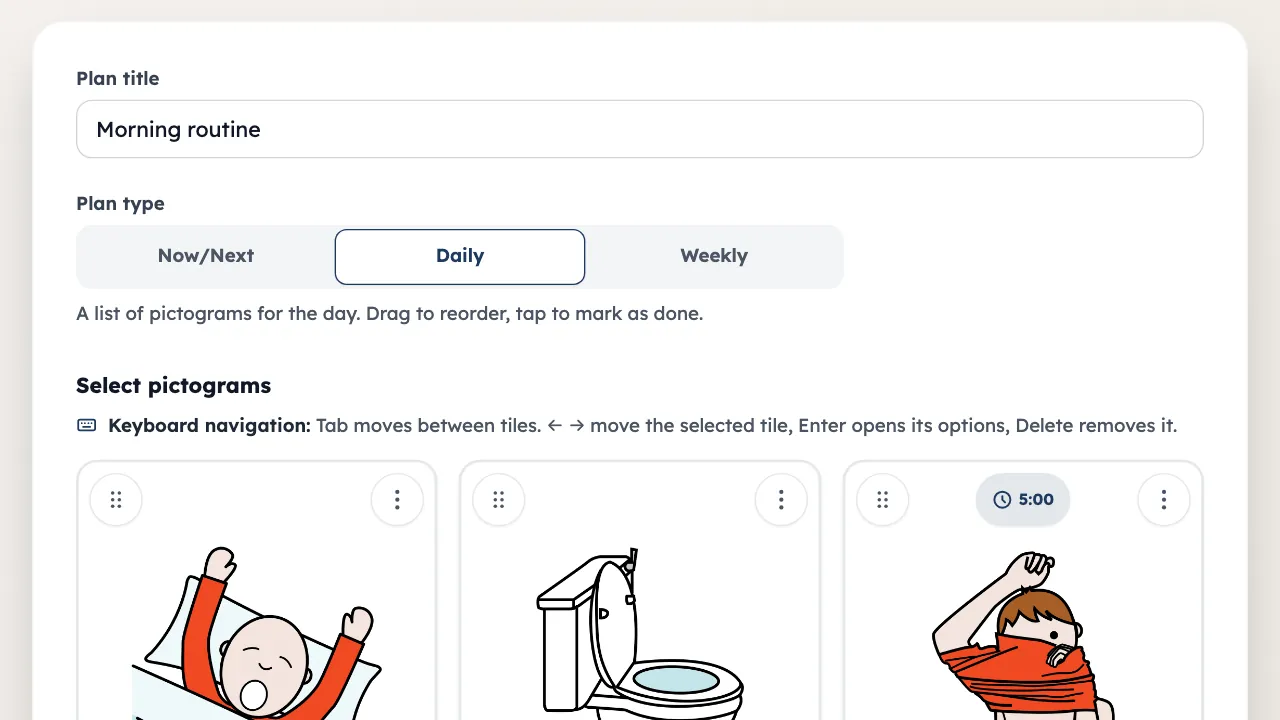
Add pictograms, write labels, and drag to reorder.
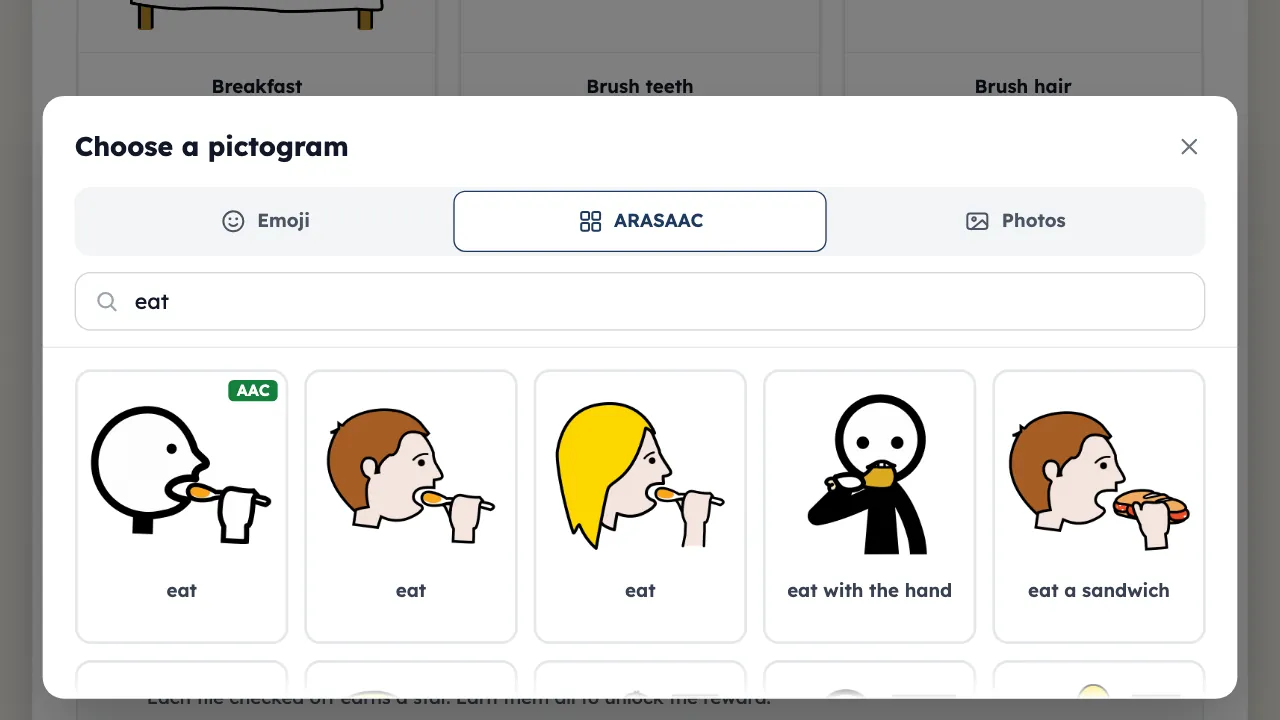
Search 11,500+ ARASAAC pictograms, or use the emoji library.
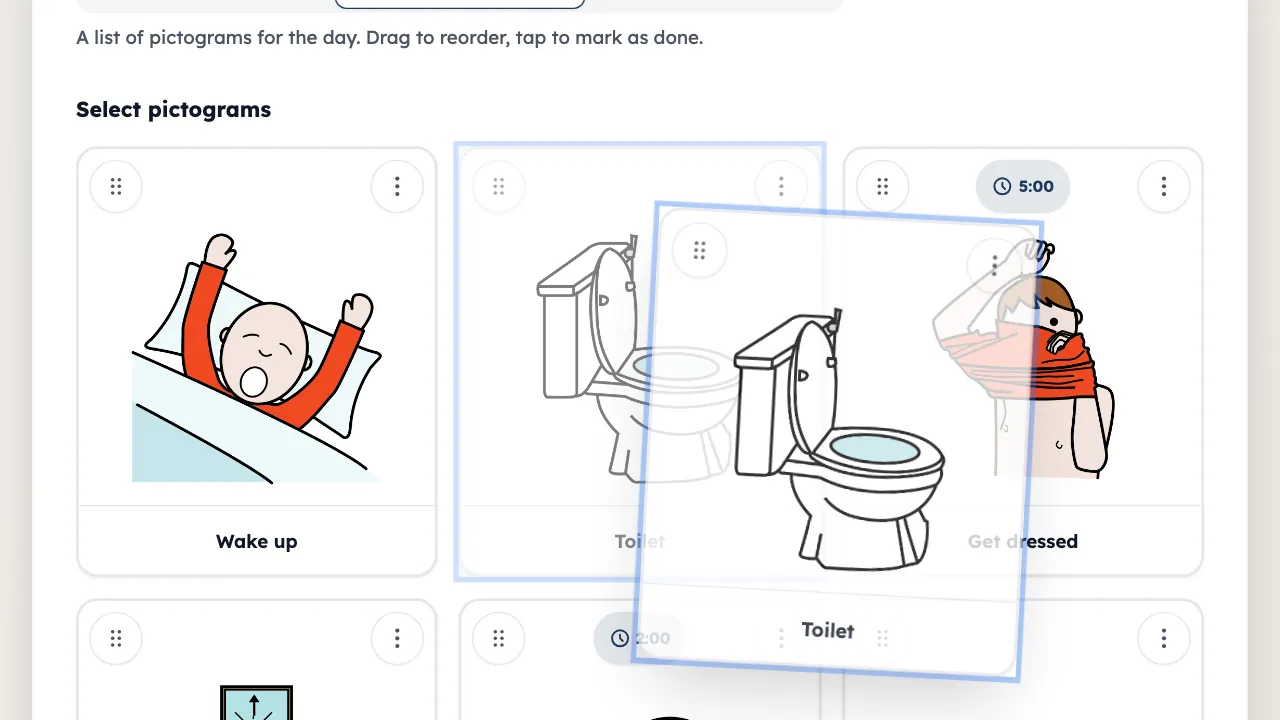
Hold and drag any tile to change the order. Works on touch and desktop.
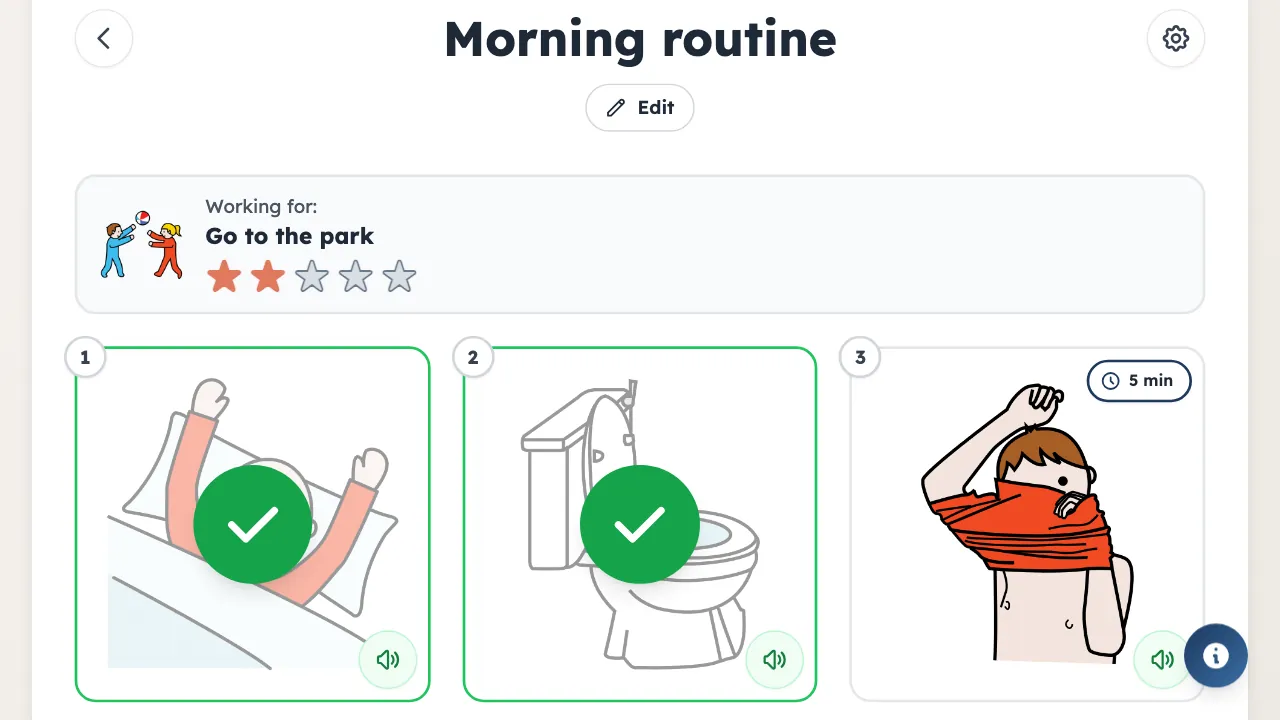
When checking off is on, one tap marks a step as done. It fades but stays on the plan.
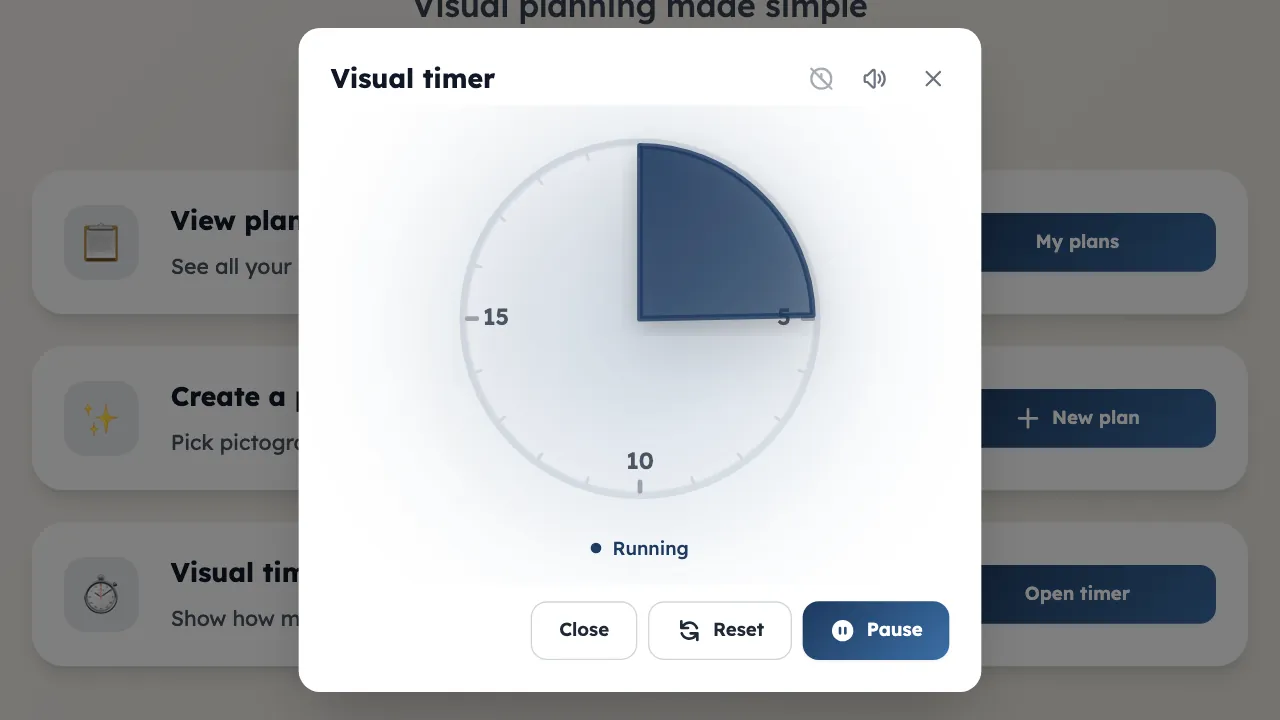
Drag the dial to set a duration. The color turns amber, then red, as time runs out.
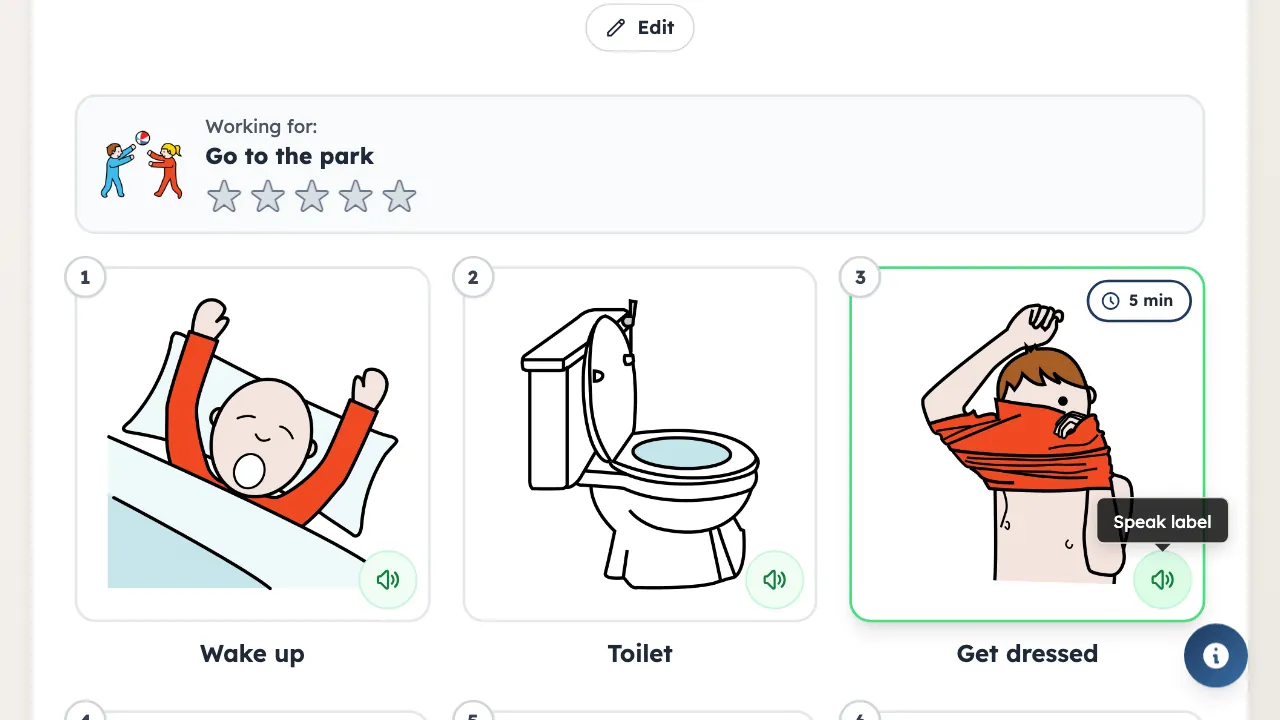
Tap the speaker on any tile. You can change the voice, speech rate, and pitch.
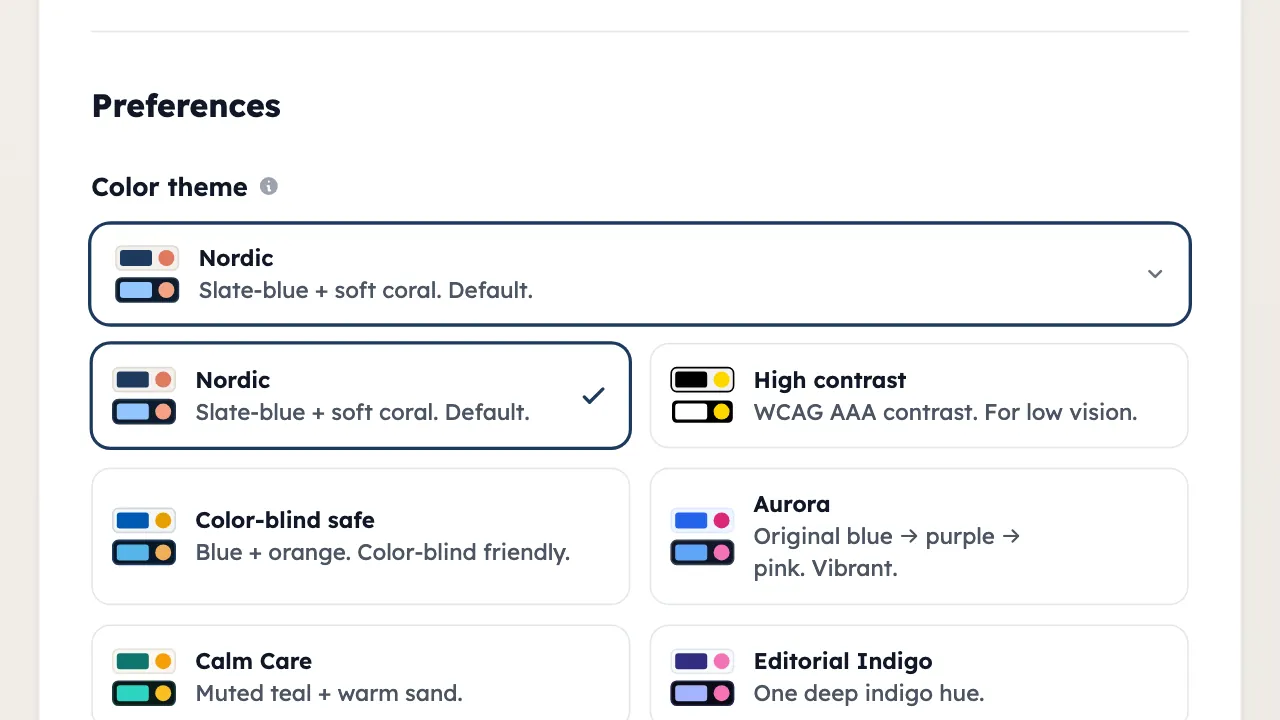
16 color themes, including high contrast and color-blind safe. Preview each one before you apply it.
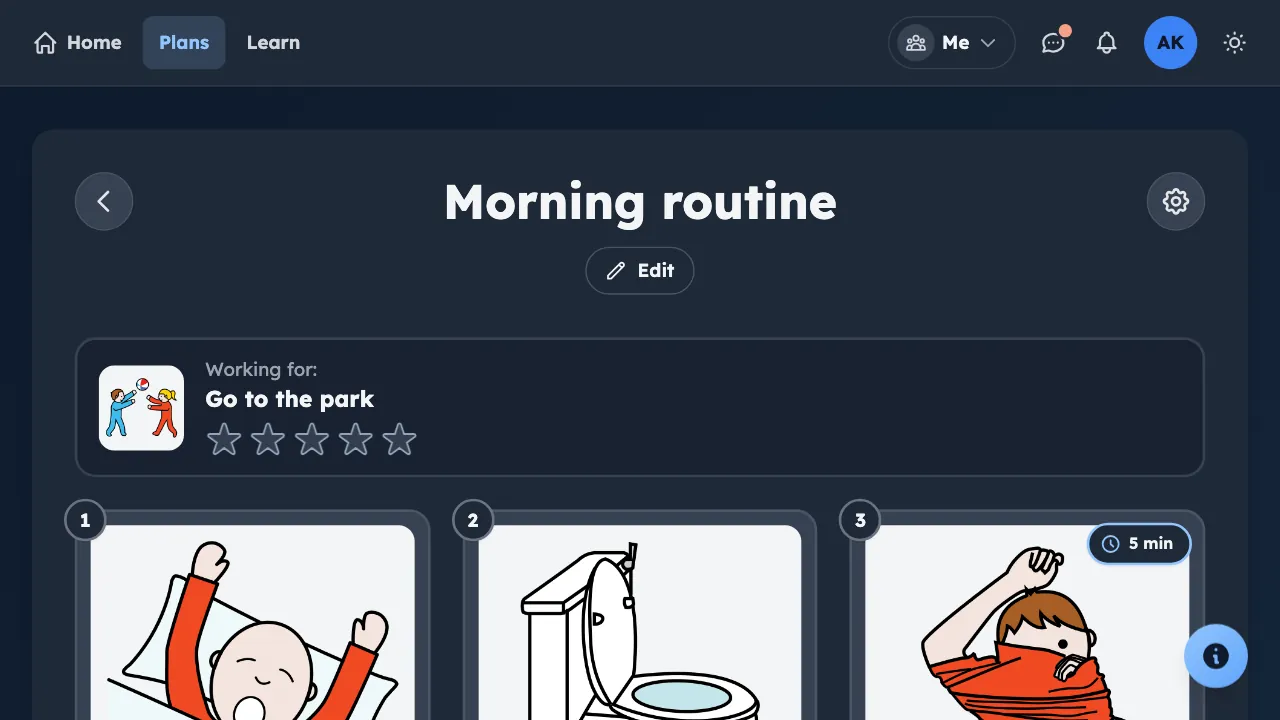
Every theme has a matching dark mode. Switch at any time.
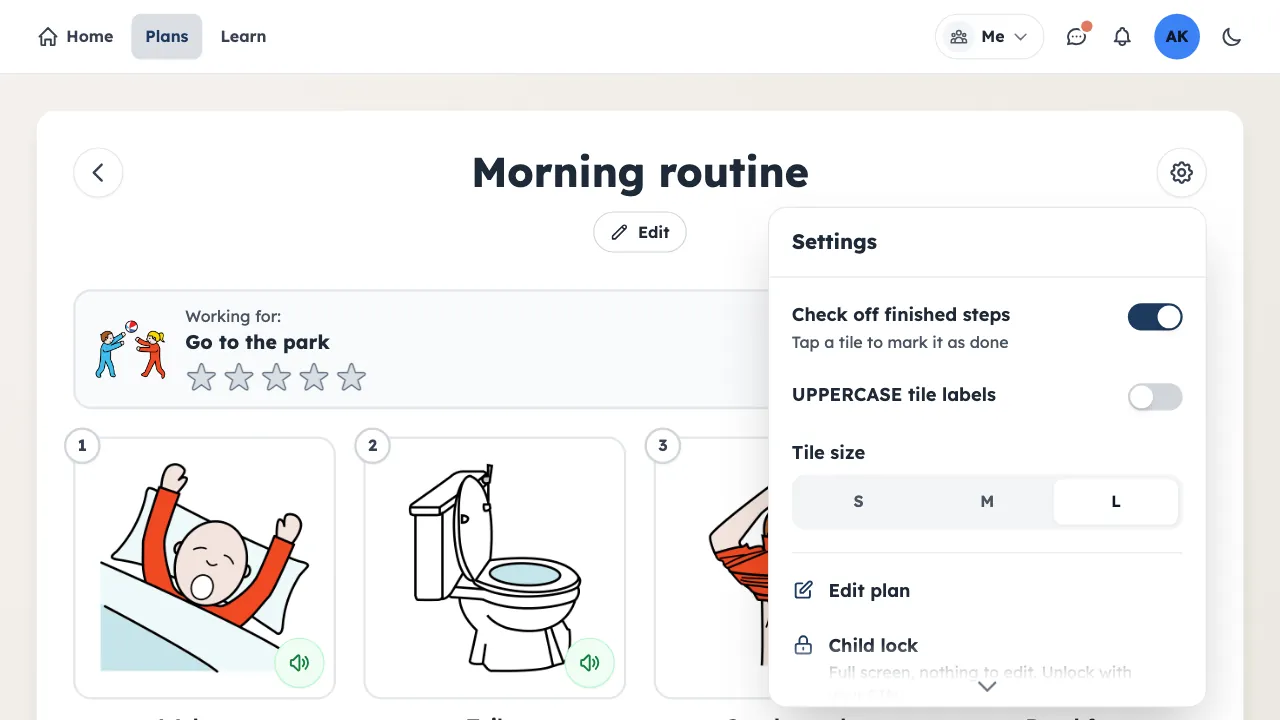
S, M, or L on desktop. Bigger tiles for low-vision users.
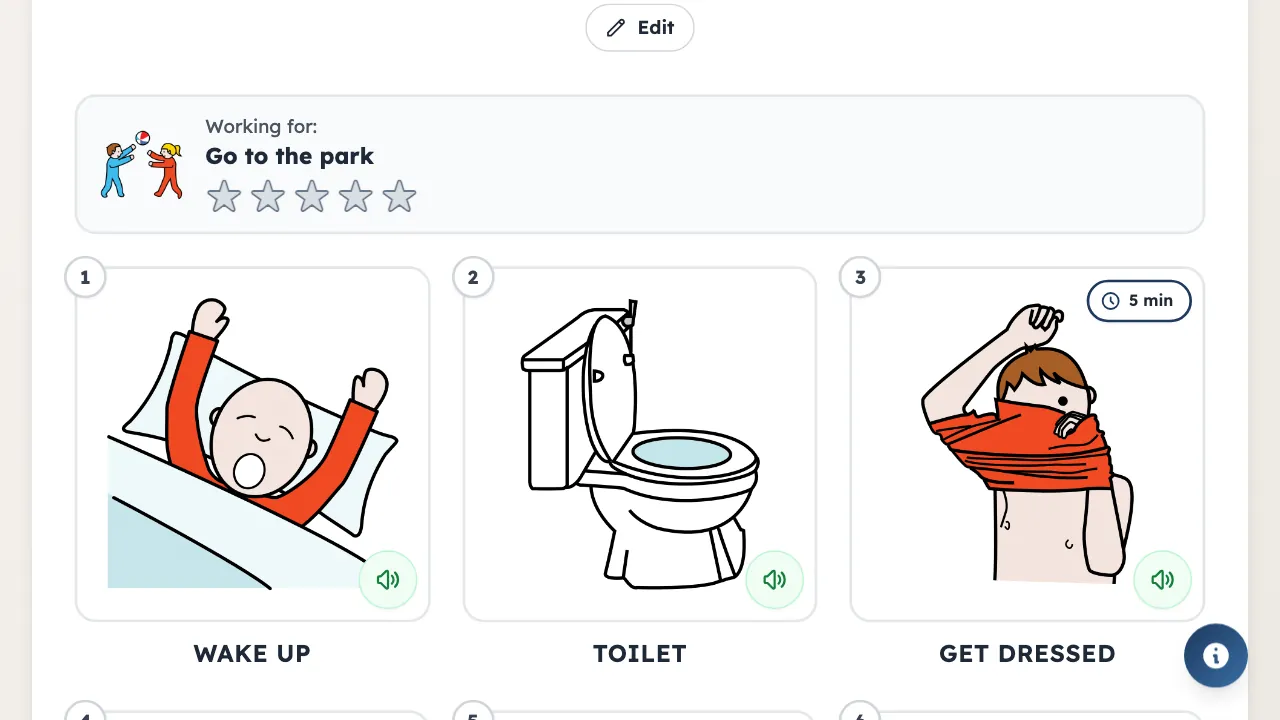
Some early readers find capitals easier: YOGA, TOAST, STRETCH. Turn it on once in your account and it applies everywhere.
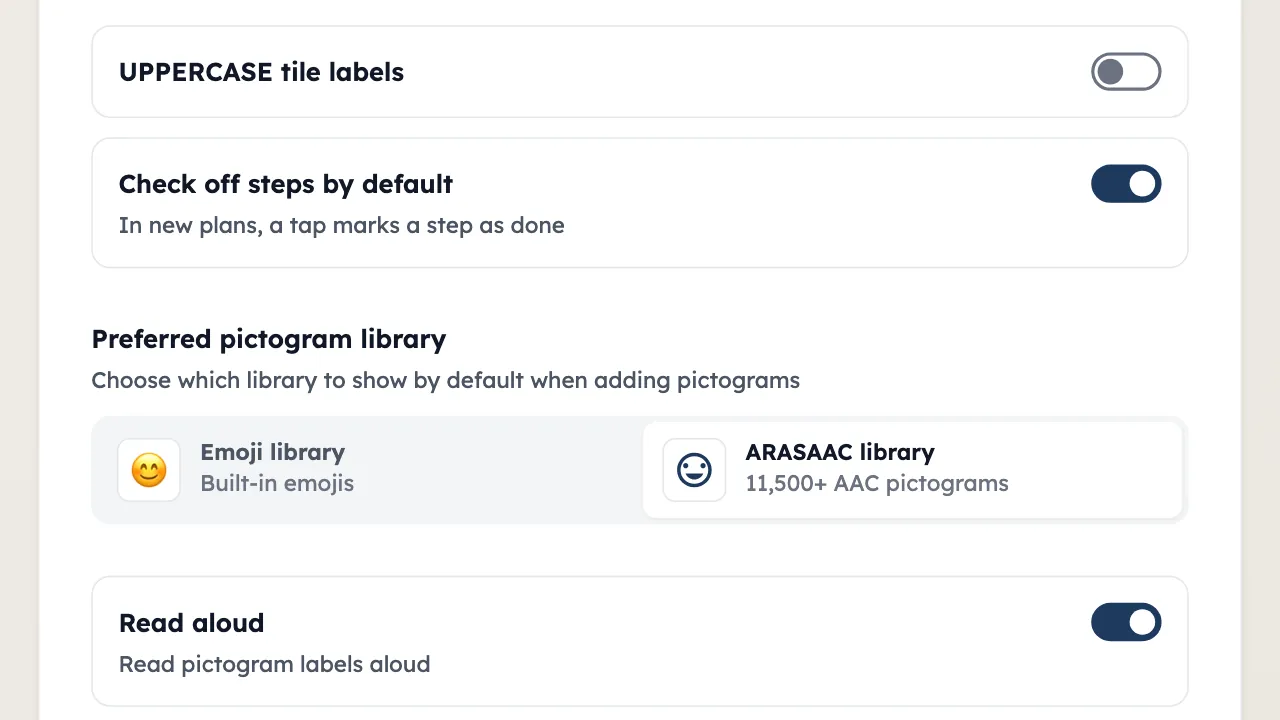
Choose which library opens first. ARASAAC for detailed AAC symbols, emoji for quick, simple plans.
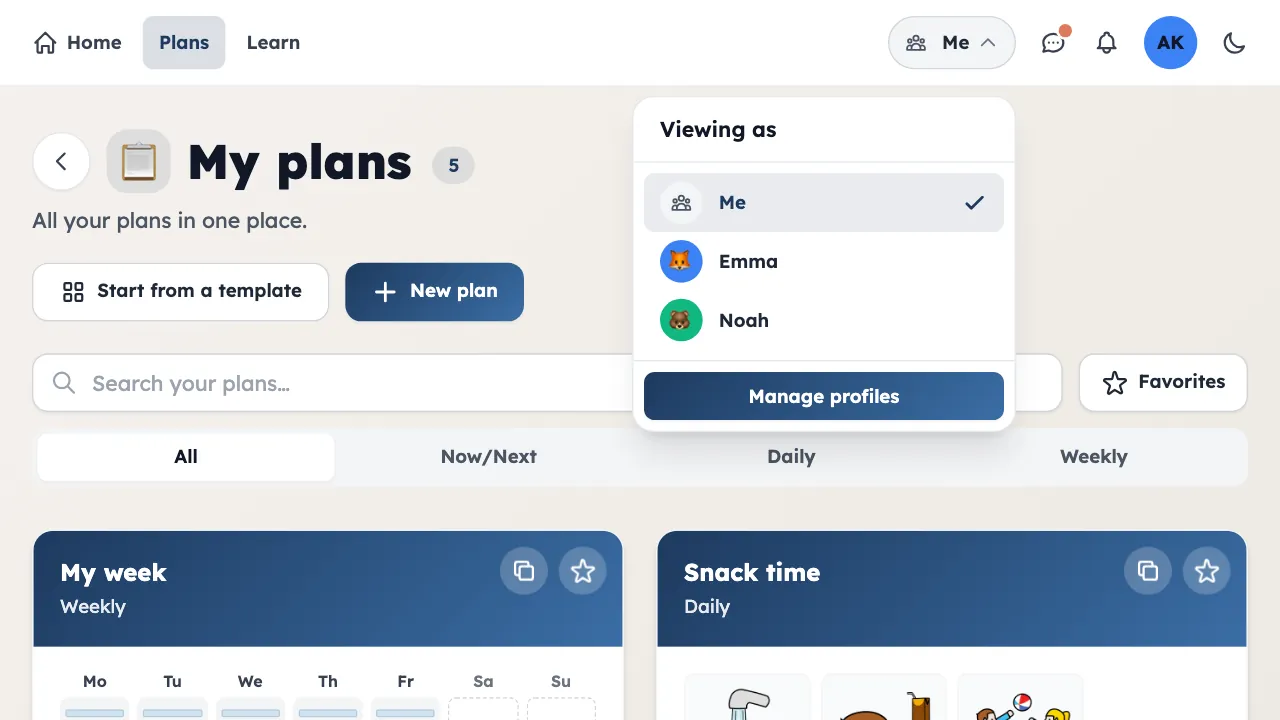
Caregivers manage several people without separate logins.
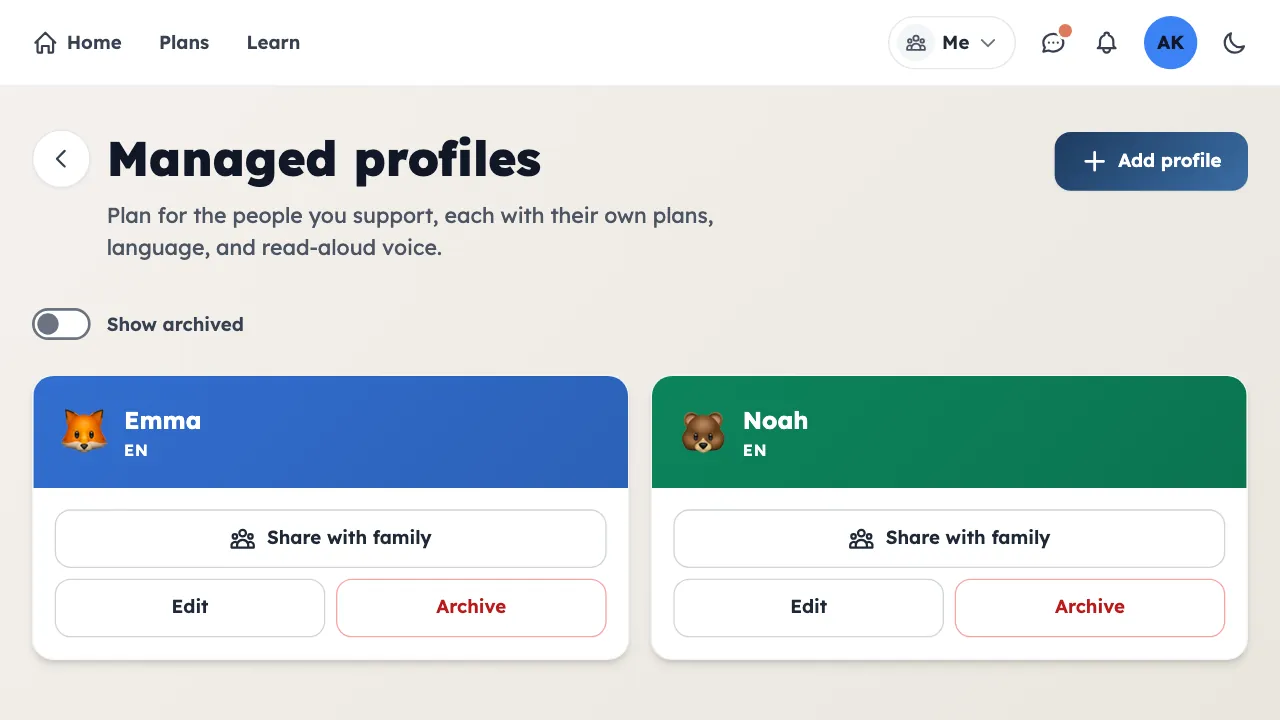
Each profile has its own plans, language, and preferences.
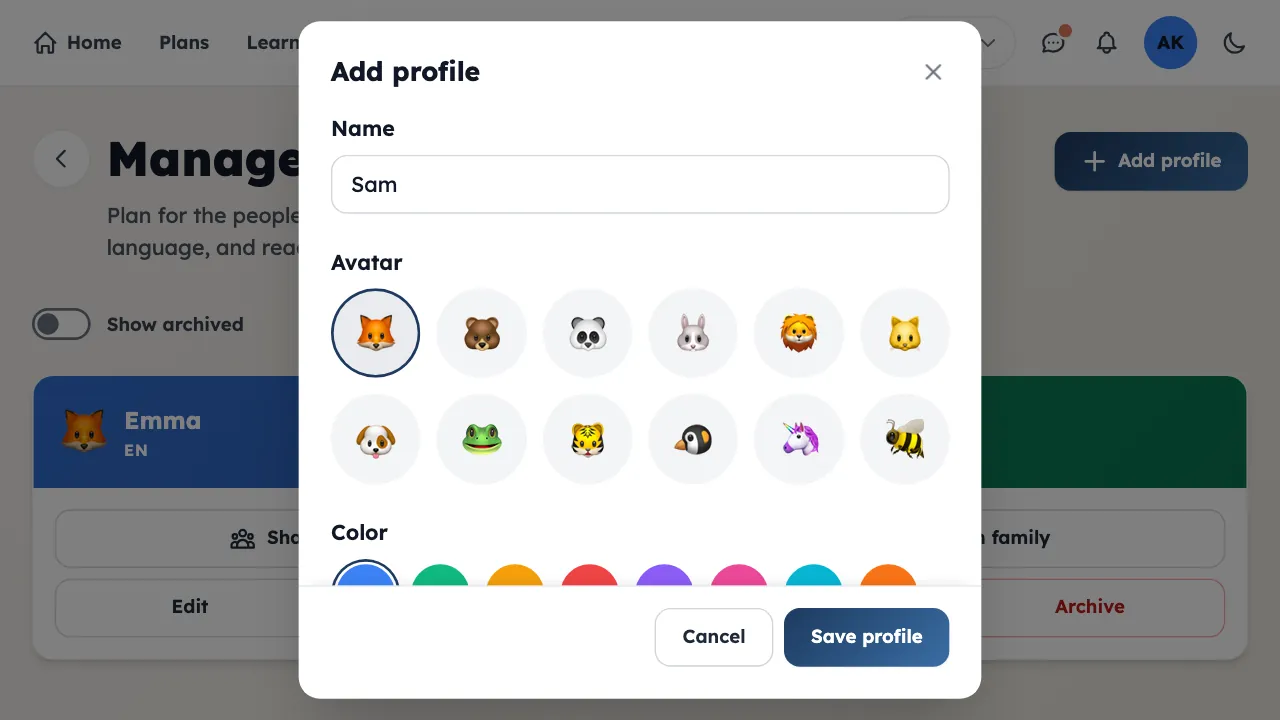
Name, avatar, color. No email or password needed.
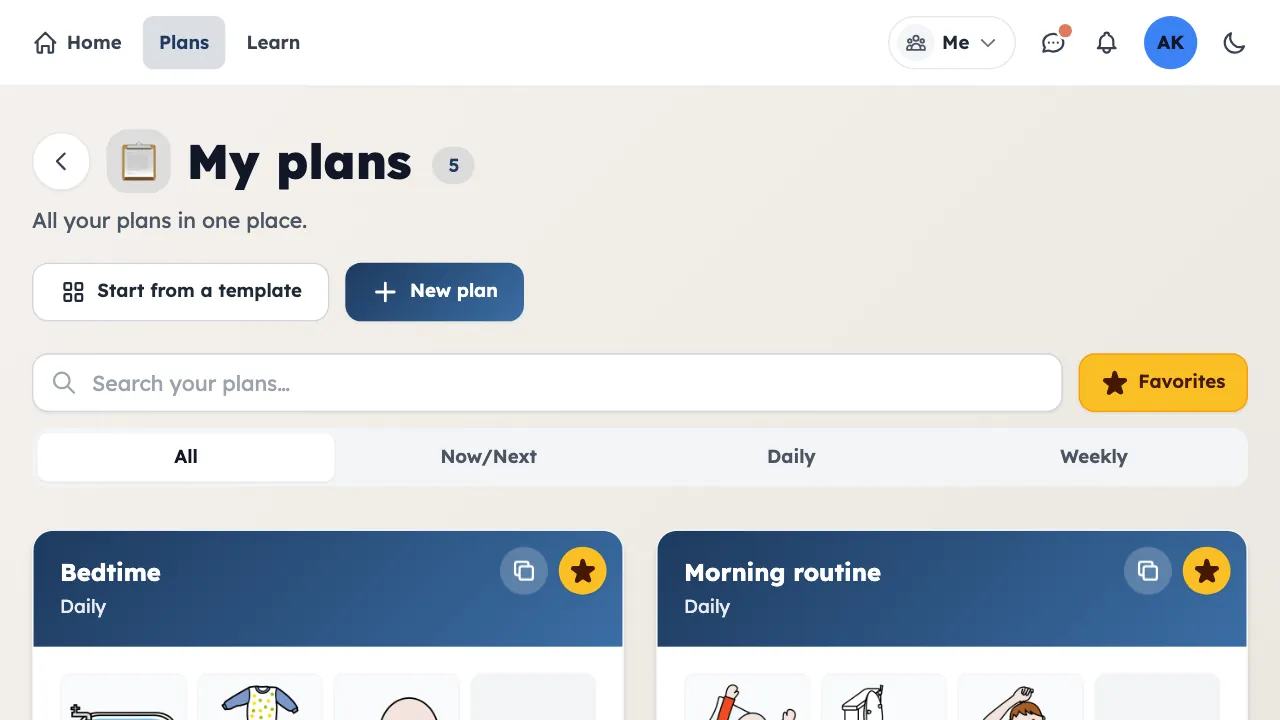
Star the ones you use daily, then filter to see only those.
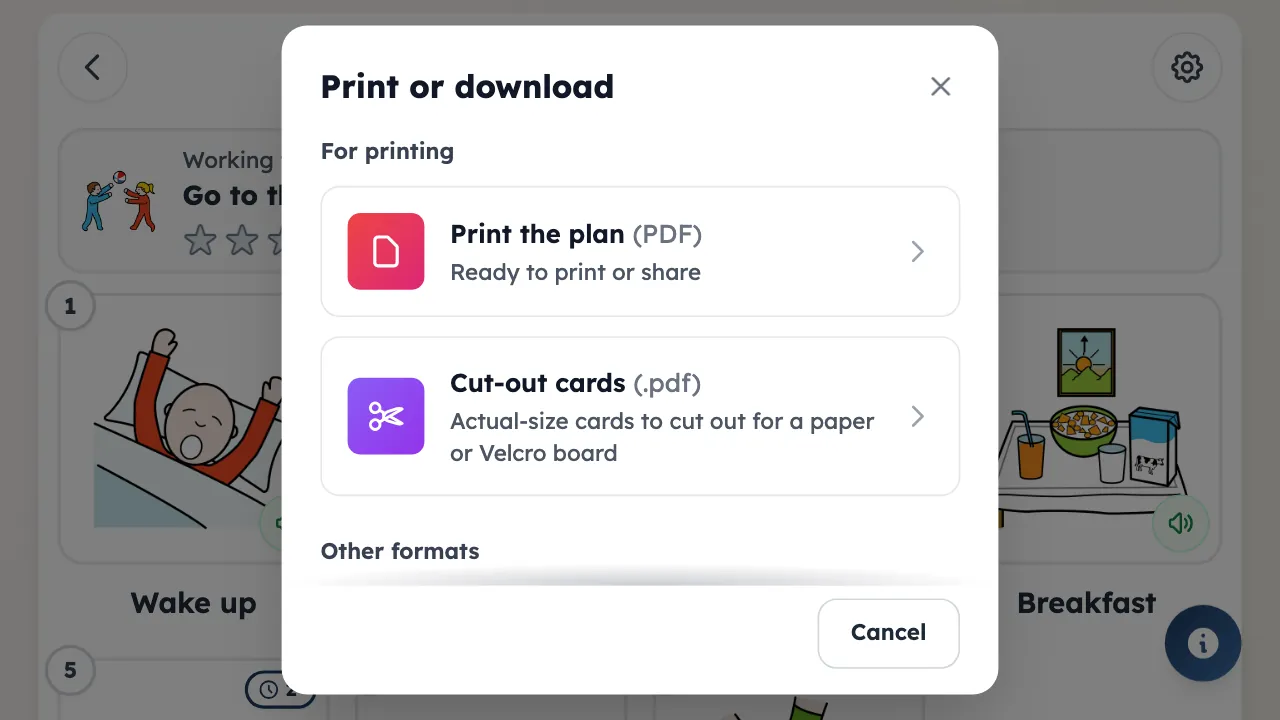
Generate a PDF for the fridge, or an OBF file for AAC apps.
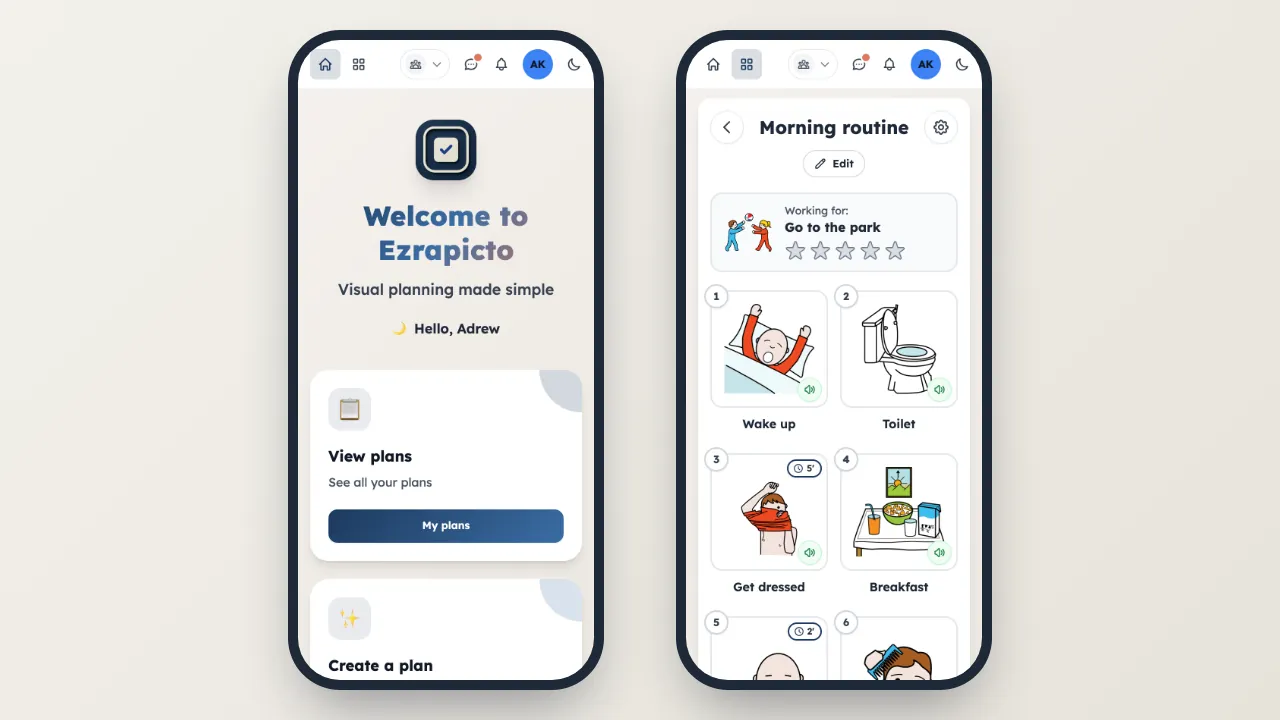
Add it to your home screen on iOS or Android. Works offline once installed.
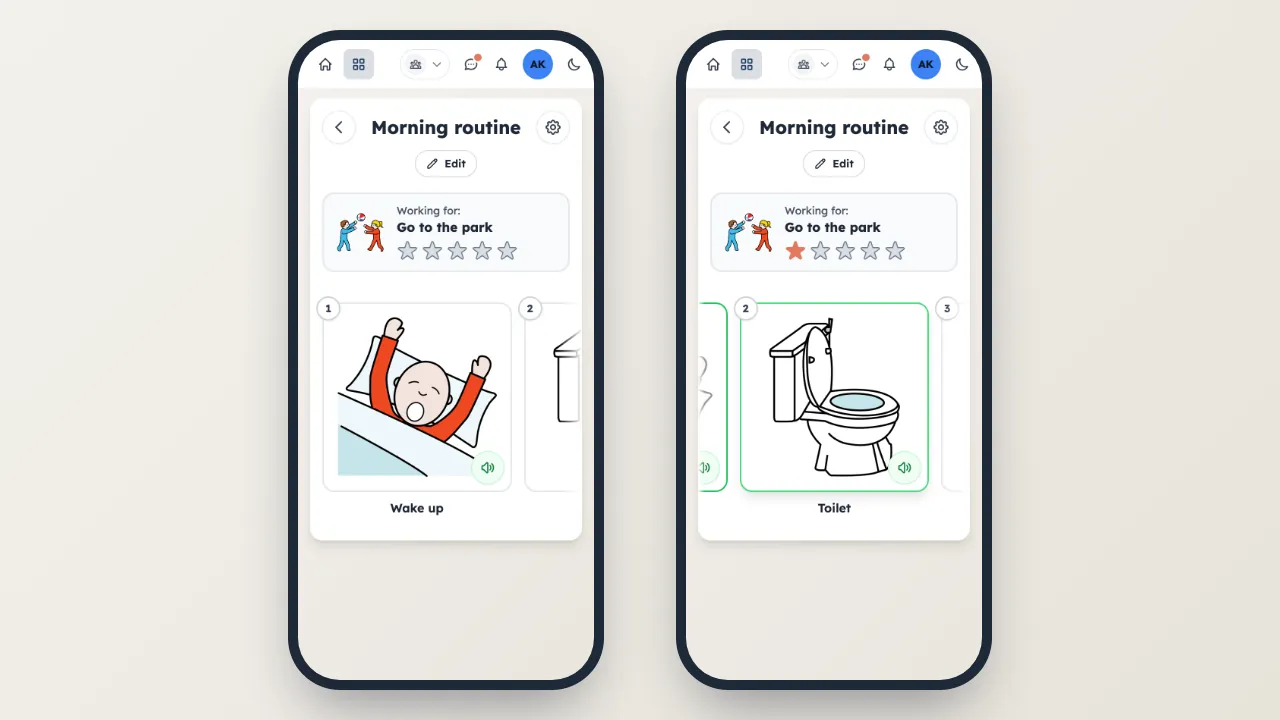
On mobile, swipe through tiles one at a time. Auto-advances on completion.
Build your first plan in minutes.